Moving to enforcement Step 15 of 39
Lock down a parked domain
A domain that sends no mail can still be spoofed. What the setup wizard's lockdown publishes, the two records you add yourself, and how to check it.
Updated
A domain that sends no mail (a parked domain, an old brand, a domain that only hosts a website) is still worth protecting. Without records, anyone can send as it, and nobody is watching its mail to notice. Locking it down tells every receiver to refuse mail claiming to be from it.
Lock it down
- Add the domain on Domains, or open its setup wizard with Set up.
- At Does the domain send email?, choose No, it’s parked. If the domain has no mail servers and no SPF senders, the wizard has already said it looks parked.
- Choose Lock it down.
The wizard publishes two records, hosted where your plan allows it and self-managed otherwise:
- DMARC at
p=rejectfor the domain, its subdomains and subdomains that don’t exist, with strict alignment, still reporting to us so you can see who tries. - SPF
v=spf1 -all: no server may send as the domain.
The publish step shows them, plus two more you add yourself.
The two records you add
| Name | Type | Value | Why |
|---|---|---|---|
example.net |
MX | 0 . |
Null MX (RFC 7505): the domain accepts no mail |
*._domainkey.example.net |
TXT | v=DKIM1; p= |
Revokes every DKIM selector |
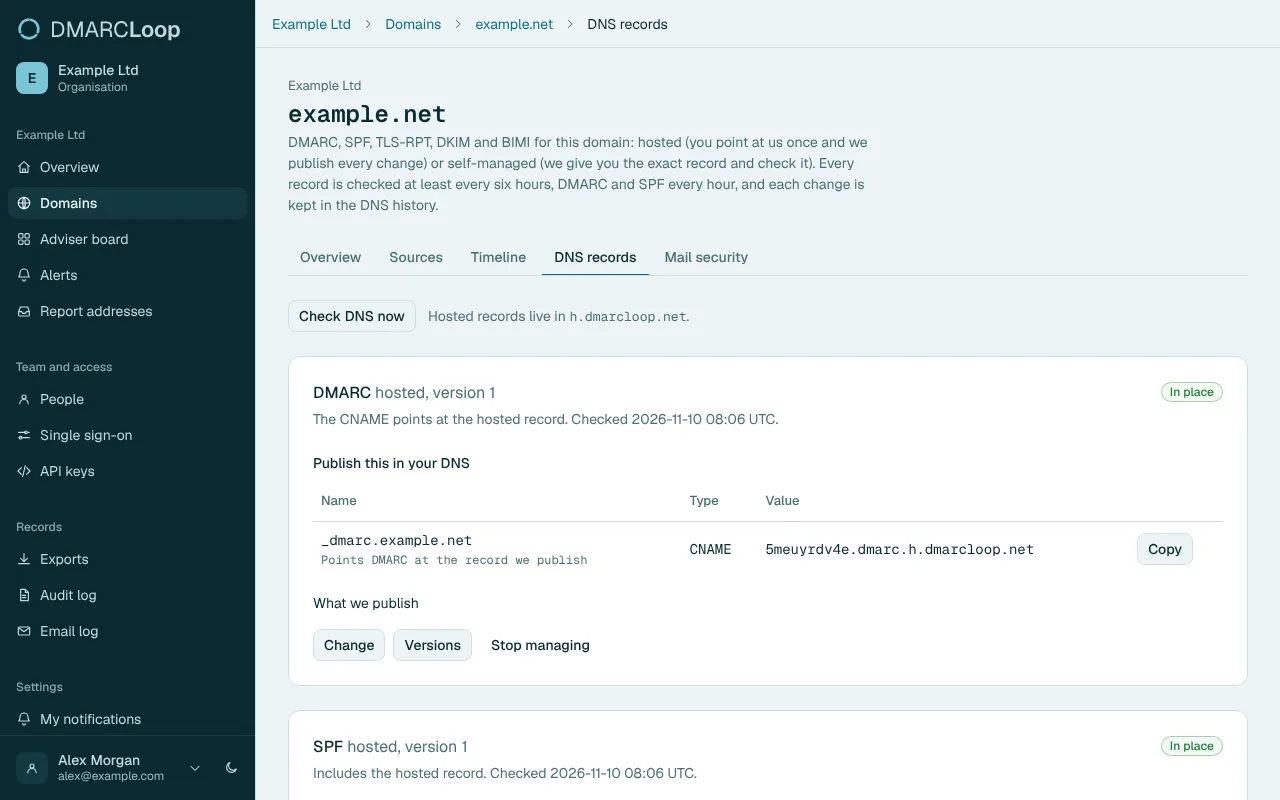
They stay listed under Parked domain on the domain’s DNS records tab.
What you see afterwards
The adviser puts the domain straight into Maintain: Fully enforcing. Its reports show only mail that isn’t yours, all rejected, so its DMARC pass rate reads 0% and the panel says all of the mail using the domain failed and was refused. That’s the lockdown doing its job.
If the adviser sees a domain that has never passed DMARC in a month of reports and has no recognised sender, the Next step panel suggests it: No legitimate mail has been seen from this domain in a month of reports. If it doesn’t send mail, lock it down.
Locking down marks the domain’s Expected mail as Doesn’t send. It never
gets No reports in 7 days: a quiet week is what a parked domain should
look like. If mail appears after a week or more with none, you get Mail on a
quiet domain, which says whether any of it passed: none passing is most
likely spoofing, which p=reject has receivers refuse.
If the domain starts sending mail later, set Expected mail to Sends regularly on its DNS records tab, publish its senders’ records, and remove the null MX and the DKIM revocation.
Next
Stuck? Reply to any email DMARCLoop sends, or contact us - a person reads it.